
How to Stream Mobile Games in 2026: YouTube, TikTok or Twitch
How to stream mobile games in 2026: phone-only and phone-plus-PC setups, YouTube vs TikTok vs Twitch, the settings that matter and a first-stream checklist.
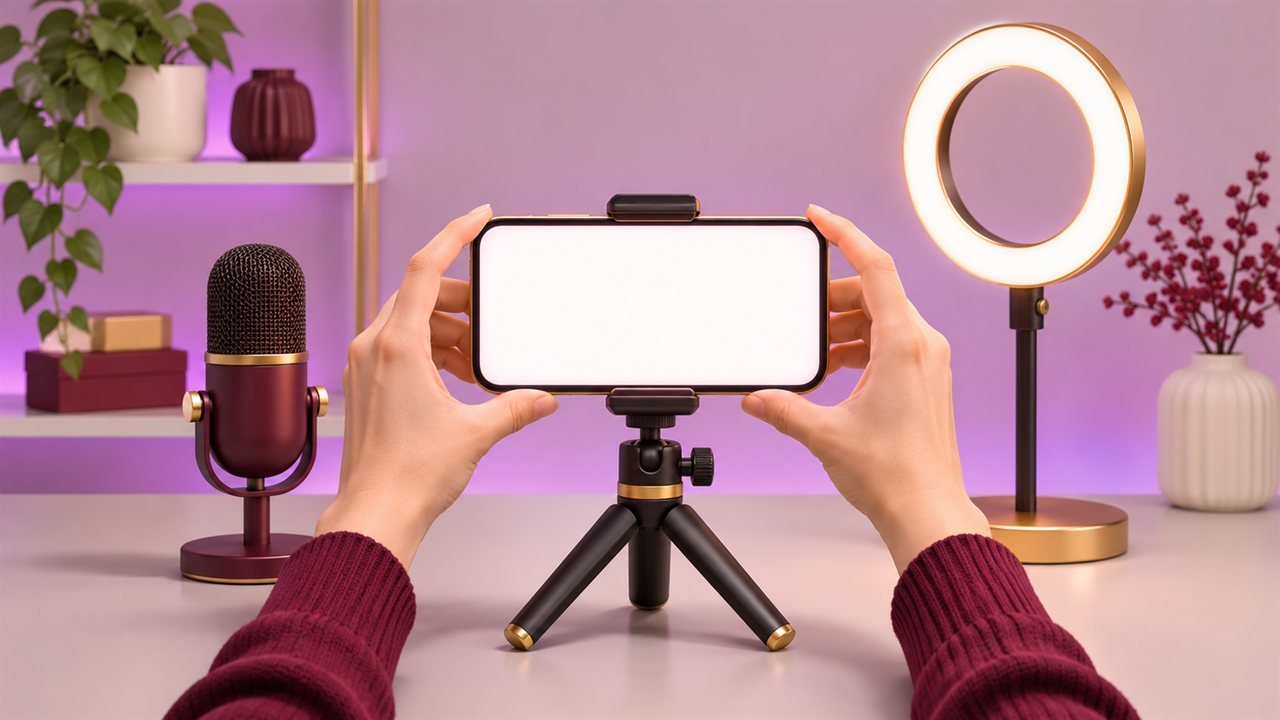
If you want to know how to stream mobile games without buying a gaming PC first, this guide is for you. It covers two beginner setups (phone-only and phone-plus-PC), how YouTube, TikTok and Twitch compare for mobile gaming, the settings that matter and a checklist for your very first stream.
As a web developer and creator in Indonesia, my advice is simple: start with the phone you already own. The setup matters less than consistency, clear audio and a stable connection.
Pick a setup: phone-only or phone plus PC
Setup A: phone only (cheapest)
You play and stream from the same phone using the platform's own app.
- Pros: free, quick to start, nothing to connect.
- Cons: the phone handles the game, the encoding and the camera at once, so it gets hot and the battery drains fast. Fewer overlay options.
- Best for: testing whether you enjoy streaming, short sessions, casual games.
Setup B: phone plus PC
The phone runs the game; its screen is sent to a computer, and broadcasting software on the PC (OBS Studio is a common free choice) adds your camera, mic, overlays and alerts before sending the stream out.
- Pros: better scenes, overlays, alerts and audio control; the phone only has to run the game.
- Cons: more gear and more setup. How you get the phone screen onto the PC depends on your phone (screen mirroring over a cable or Wi-Fi, or a capture device if your phone supports video output).
- Best for: regular streamers who want a more polished show.
Twitch also announced at TwitchCon San Diego 2026 that creators can stream from a browser with alerts, a chat overlay and built-in scenes, according to Net Influencer. That can be a lighter option than installing full broadcasting software.
How to stream mobile games on YouTube, TikTok or Twitch
YouTube
YouTube's help page lists the requirements for mobile live streaming:
- At least 50 subscribers.
- A verified channel with no live-streaming restrictions in the past 90 days.
- Live streaming turned on (the first activation can take up to 24 hours).
- An Android 8.0+ or iOS 8+ device.
In the live stream details screen there is a Screencast option to stream your phone's screen. Two limits to know: if you have fewer than 1,000 subscribers, YouTube may limit how many people can watch your mobile stream, and archived streams are set to private by default. Removing the limit can take several weeks after you reach 1,000.
New in late 2026: GeekChamp reports YouTube is rolling out a mobile Live Practice Mode, a private space to rehearse your setup before going live. Use it for your first few streams if you have it. YouTube also said at Made on YouTube 2026 that more than 600 million logged-in viewers watched live content daily on average in August 2026, and that co-host matchmaking (Go Live Together) arrives in early 2027.
TikTok
TikTok LIVE is built into the app and works well for short, casual sessions where people discover you from the For You feed. TikTok sets its own age and follower thresholds for LIVE, and these can vary by region, so check whether the LIVE option appears in your app before planning around it.
Twitch
Twitch is the most gaming-focused of the three. From TwitchCon San Diego 2026 coverage by Streamer.Guide and Net Influencer:
- Stream Recaps appear at the top of followers' mobile feed; over 400,000 channels published one within two weeks of the relaunch.
- Clips are being extended from 60 seconds to five minutes (no date given).
- Mobile Mod View is coming, which helps if your moderators use phones.
- Hosting is returning in testing.
Twitch is also running GTA 6 rewards through 30 November 2026; see our Twitch GTA 6 rewards guide.
Which one should you start with?
- You already have a YouTube audience: YouTube, and use Practice Mode.
- You want discovery from short videos: TikTok, then post highlights.
- You want a gaming community and chat culture: Twitch, ideally with Setup B.
- Not sure: pick one for a month. Splitting your first streams across three platforms usually splits a tiny audience into three tinier ones.
Settings that matter
- Connection first. Use stable Wi-Fi; if you must use mobile data, check your quota before a long stream.
- Do Not Disturb on. Notifications can pop up on stream and expose private messages.
- Lock orientation to match the platform (vertical for TikTok and YouTube Shorts-style viewers, horizontal for classic gaming streams).
- Lower in-game graphics a step. Smooth gameplay matters more than maximum detail.
- Keep the phone cool. Remove thick cases, avoid direct sun, and do not stream while fast-charging if the phone overheats.
- Audio check. Game sound should not drown out your voice. A simple clip-on or USB mic helps; see our microphone buying guide.
- Light your face if you use a camera; our home lighting guide has cheap setups.
Your first-stream checklist
- Title with the game name and one hook ("Pushing to Mythic, solo queue").
- Rehearse privately (YouTube Practice Mode or an unlisted test).
- Charge to 100% or connect a power bank before you start.
- Turn on Do Not Disturb and close chat apps.
- Check audio levels with a 30-second test recording.
- Pin a chat rule (be kind, no spoilers, no links).
- Say hello to every new chatter by name in the first streams.
- End with a schedule ("Back Thursday at 8 p.m.").
- Clip two or three moments and post them as shorts; our repurposing guide shows how.
Mistakes to avoid
- Streaming without checking that notifications are muted.
- Changing platforms every week.
- Reading out personal information or showing your top-up screens with account details visible.
- Streaming games or content you do not have the rights to rebroadcast.
Key takeaways
- You can learn how to stream mobile games with just a phone; add a PC later for overlays and better audio.
- YouTube mobile live needs 50 subscribers and a verified channel; viewer limits may apply under 1,000 subscribers.
- YouTube's mobile Live Practice Mode lets you rehearse privately.
- Twitch is adding mobile-friendly Recaps, longer Clips and Mobile Mod View.
- Stable connection, muted notifications, clear audio and a cool phone matter more than expensive gear.
FAQ
Can I stream mobile games on YouTube with under 1,000 subscribers?
Yes, from 50 subscribers with a verified channel, but YouTube may limit the number of viewers until you reach 1,000.
Do I need a PC to stream mobile games?
No. You can stream from the platform's mobile app. A PC adds overlays, alerts and better audio control.
Which platform is best for mobile game streaming?
It depends on your goal: YouTube for an existing audience, TikTok for discovery, Twitch for a gaming community.
Sources
Read next
 NEW
Free Apps for Content Creators: Best Open-Source Stack for 2027
The best free apps for content creators for 2027: recording, screen capture, editing, audio, subtitles and thumbnails, all open source and watermark-free.
Read more
 NEW
Facebook Creator Fast Track: Guaranteed Pay for Moving Creators
Facebook Creator Fast Track pays established creators for three months to post Reels. Who qualifies, the posting rules, pay tiers and whether to repurpose.
Read more
 NEW
FFmpeg Skill: Edit Videos by Chatting With Your Coding Agent
The open-source FFmpeg skill gives Claude Code, Cursor or Codex 42 local video tools. Trim, caption, resize for Reels and batch-export just by asking.
Read more