
Repurpose Video Content for Every Platform Without Looking Lazy
How to repurpose video content: turn one long video into Shorts, Reels, a carousel and a newsletter, adapted for each platform instead of copy-pasted.
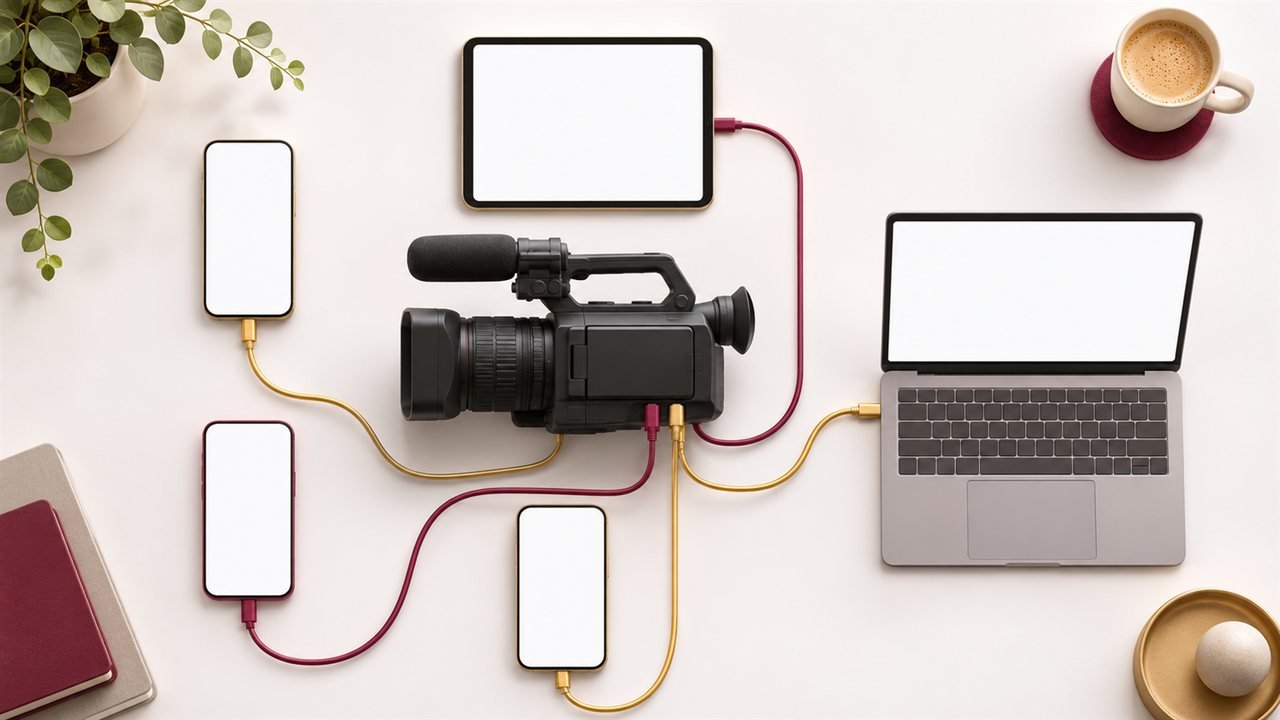
If you want to repurpose video content without your feed looking recycled, this post is for you. It gives you a workflow that turns one main piece of content into a week of posts across platforms, plus the rules for adapting each version so it feels native, not copy-pasted.
Why repurposing video content makes sense in 2026
Three things happened this year that make repurposing smarter than ever:
- Short-form feeds long-form. Metricool's 2026 YouTube study found that channels posting about five Shorts a month averaged around 46% more views per long-form video than typical channels. Shorts were also the biggest source of organic views overall.
- Platforms want to be the trailer. In a November interview on The Colin & Samir Show, as reported by Kompozy, Instagram head Adam Mosseri described Instagram as an awareness layer for long-form and advised creators to "slice it up," pointing viewers to the full piece elsewhere.
- Time is the real limit. Several 2026 creator surveys linked burnout to nonstop output. Getting more posts out of each recording session is one of the simplest ways to stay consistent without filming every day.
The golden rule: adapt, don't duplicate
Repurposing is not uploading the same file everywhere. Each platform has different habits:
- Different openings: a YouTube intro can breathe; a Reel needs a hook in two seconds.
- Different text: on-screen captions, title styles and description lengths vary.
- Different formats: vertical video, carousel, text post, email.
- No watermarks from other apps. Instagram has said it wants to give more distribution to original creators than to reposts, and visible watermarks from other platforms look like reposts.
- Original value. YouTube's 2026 guidance on "inauthentic content" targets repetitive, templated uploads. Ten nearly identical clips are a bad idea. If you post clips on Shorts, read what YouTube's originality update means for clippers.
Step 1: Start with a "pillar" piece
Pick one substantial piece each week:
- An 8 to 15 minute YouTube video
- A podcast episode
- A live stream
- A long blog post or newsletter issue
The pillar should contain at least 3 to 5 distinct ideas, each strong enough to stand alone.
Step 2: Mark clip moments while you create
While filming or editing the pillar, note timestamps for:
- Strong opinions ("Most people get this wrong…")
- Quick tips that work without context
- Stories with a clear turn
- Visual moments (before and after, a reveal, a demo)
- Questions you answer clearly
CLIP LOG - [Pillar title]
02:14 - Tip: 3-line caption formula (45s)
05:30 - Story: first brand deal mistake (60s)
08:02 - Hot take: posting time doesn't matter much (30s)
10:45 - Demo: phone lighting setup (40s)
Step 3: Turn one pillar into a week
From one 10-minute video you can usually create:
- 3 to 5 short vertical clips for Shorts, Reels and TikTok
- 1 carousel summarising the main framework (see The Carousel Playbook)
- 1 newsletter issue expanding your favourite point
- 1 text post for Threads, X or LinkedIn with your strongest opinion
- 3 Story frames with a poll or question sticker
- 1 community post (YouTube Community, broadcast channel) with a question
That is 10 or more touchpoints from a single recording session. For an AI-assisted version of this step, see how to repurpose one video into 10 posts with AI.
Step 4: Adapt each clip properly
For every short clip:
- Write a new hook for the first two seconds. The original sentence rarely works out of context.
- Reframe to vertical and keep your face or the action centred.
- Add on-screen text for viewers watching on mute.
- Cut ruthlessly. If a clip only works with the long video's context, it is not a clip.
- End with a soft pointer, like "Full breakdown on my YouTube," but make the clip valuable on its own.
Step 5: Stagger, don't spam
Post the pieces over the week rather than all on day one:
Mon - Pillar video goes live
Tue - Clip 1 (Shorts, Reels, TikTok) + Story poll
Wed - Carousel
Thu - Clip 2 + text post with your opinion
Fri - Newsletter issue
Sat - Clip 3
Sun - Rest or community question
Staggering keeps your accounts active and gives each piece time to find its audience.
Repurposing older content
Your back catalogue is a goldmine. Once a month:
- Find your top 5 posts by saves or watch time from 6 or more months ago.
- Update them: new hook, new example, fresh data.
- Turn a popular carousel into a video, or a popular video into a carousel.
Updated versions of proven ideas often outperform brand-new ones, because the topic is already validated.
Tools that help you repurpose video content
- Your editor's auto-reframe to crop horizontal to vertical
- Auto-captions, always checked and corrected by you (Metricool recommends accurate caption files over automatic ones on YouTube)
- AI transcription to find quotable moments quickly
- A scheduler to stagger posts
Use AI to speed up the boring parts, like transcripts and first-pass cuts. Choosing the moment and writing the hook should stay with you. Our AI video editing workflow with Descript, CapCut and Opus Clip shows where those tools fit.
Repurposing checklist
- Pillar has 3 to 5 standalone ideas
- Clip log written with timestamps
- Each clip has a new 2-second hook
- No other platform's watermark
- On-screen text added
- Carousel and newsletter versions planned
- Posts staggered across the week
FAQ
Can I post the same video on TikTok, Reels and Shorts?
You can post the same clip, but upload a clean file without another app's watermark, and adjust the hook, caption and on-screen text to each platform. Instagram has said it favours original creators over reposts.
How many clips should I cut from one long video?
Usually 3 to 5. Only cut moments that make sense without the full video; a weak clip does more harm than skipping it.
Key takeaways
- One pillar piece can become 10 or more posts.
- To repurpose video content well, adapt hooks, format and text for each platform; never just duplicate.
- Short clips work as trailers for long-form, which is where Mosseri suggested full pieces live.
- Stagger posts across the week and refresh your best old content monthly.
Sources
Read next
 NEW
Free Apps for Content Creators: Best Open-Source Stack for 2027
The best free apps for content creators for 2027: recording, screen capture, editing, audio, subtitles and thumbnails, all open source and watermark-free.
Read more
 NEW
Facebook Creator Fast Track: Guaranteed Pay for Moving Creators
Facebook Creator Fast Track pays established creators for three months to post Reels. Who qualifies, the posting rules, pay tiers and whether to repurpose.
Read more
 NEW
FFmpeg Skill: Edit Videos by Chatting With Your Coding Agent
The open-source FFmpeg skill gives Claude Code, Cursor or Codex 42 local video tools. Trim, caption, resize for Reels and batch-export just by asking.
Read more