
Premiere Mobile YouTube Shorts: Edit and Publish for Free
A phone-only Premiere mobile YouTube Shorts workflow: templates, licensed music from Adobe MAX 2026, captions and direct publishing, plus how it compares.
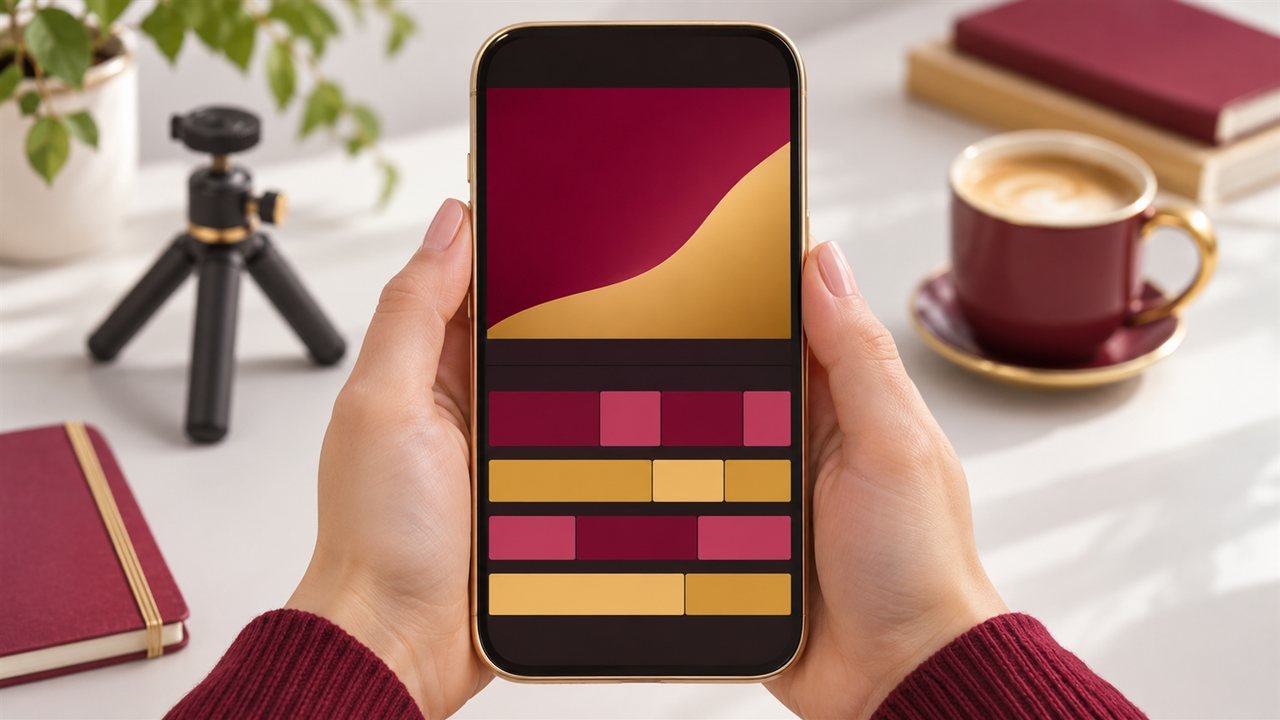
If you want to make Shorts on your phone without paying for an editor, the Premiere mobile YouTube Shorts workflow is worth a look. This guide explains what the free app offers, what Adobe added at MAX in November 2026, and a step-by-step routine from raw clip to published Short.
What Premiere mobile and "Create for YouTube" are
Adobe's Premiere mobile app has a dedicated space called Create for YouTube Shorts. Adobe and YouTube announced the partnership at Adobe MAX in October 2025, and Adobe's blog said the space became available on 8 December 2025.
According to Adobe's official YouTube Shorts page:
- The app is free, and the templates on the page are marked "Free".
- It is listed for iOS (App Store) and Android (Google Play), with a note that some features may vary between platforms.
- You can publish directly to YouTube Shorts and set the title, description and hashtags before posting.
- There are exclusive templates, transitions, effects, stickers and title presets that Adobe says are refreshed regularly.
- Editing tools include cut and trim, layered video and audio tracks, colour and brightness, text overlays and captions, plus support for 4K editing and multiple aspect ratios.
- You can publish your project as a template for other creators to reuse.
Adobe's December 2025 post also lists an unlimited multi-track timeline, Enhance Speech for voiceovers and Generative Sound Effects.
What changed at Adobe MAX 2026
At Adobe MAX on 10 November 2026, No Film School reported these Premiere mobile updates, described as "available today in beta":
- Licensed music through new partnerships with major labels, including UMG and WMG, with access to hundreds of thousands of tracks.
- Browsing of trending tracks and featured artists, plus artist-inspired templates.
- The music arrived on iOS first; on Android it was described as "coming soon".
- The Adobe Creative Agent AI assistant entered a private beta in Premiere mobile, meant to turn footage into an editable first cut and make edits from natural-language prompts.
Adobe did not spell out in that coverage whether every new music feature is free, so check inside the app before you rely on it for a client project.
A Premiere mobile YouTube Shorts workflow, step by step
Step 1: Plan a 3-part Short
Before filming, write three lines: the hook (first 1–2 seconds), the middle (the proof or the steps) and the end (a payoff or a question). Our short video script framework gives you a full template.
Step 2: Shoot vertical and clean
- Film in 9:16, with good light from a window.
- Record 2–3 seconds of extra footage before and after each line so cuts feel natural.
- Record your voice close to the phone, or use a small clip-on mic.
Step 3: Open "Create for YouTube"
Open Premiere on your phone, sign in and tap Create for YouTube on the home screen. Pick a template or start from scratch, then import clips from your camera roll, cloud storage or Creative Cloud.
Step 4: Rough cut
- Trim silences and repeated words.
- Put the strongest visual first, not your intro.
- Keep each shot short; move on when the point is made.
Step 5: Clean the audio
Use Enhance Speech on voiceover or dialogue. If you add music, lower it under your voice so words stay clear.
Step 6: Add licensed music (where available)
If the new licensed music library is live on your device, browse trending tracks and pick a song that matches the mood. Licensed tracks inside the app are safer than ripping audio from elsewhere, but always check the in-app terms for your use, especially for sponsored videos.
Step 7: Captions and text
Add captions so the Short works with sound off. Keep text away from the bottom and right edges, where YouTube's buttons and title sit.
Step 8: Publish to Shorts
Export, follow the in-app prompts, and set:
- A clear title with your main keyword.
- A short description with 2–3 relevant hashtags.
- Optional: share your edit as a template.
Premiere mobile vs CapCut vs Edits
Each app has a different strength. Think in terms of where you post most:
- Premiere mobile: built-in YouTube Shorts publishing, Adobe templates and, since MAX 2026, licensed music on iOS. A natural choice if YouTube is your main platform or you already use Adobe tools.
- Edits (Meta): designed around Instagram Reels. In November 2026 Social Media Today reported new speed curves, audio auto-balancing and text duration controls. See our guide to speed ramps in Edits.
- CapCut: widely used for TikTok and other platforms, with many templates. Features and pricing tiers change often, so check the current plan before committing.
A practical approach: edit once in the app that matches your main platform, then adapt the export for other platforms. Our guide on repurposing one video for every platform explains how.
Checklist before you hit publish
- Hook in the first 2 seconds?
- Captions readable on a small screen?
- Music below the voice?
- Text inside safe areas?
- Title and description with a real search phrase?
- Any sponsorship disclosed with YouTube's paid promotion setting?
Mistakes to avoid
- Relying on beta features for deadlines. Beta tools can change or disappear.
- Template overload. A trendy template does not replace a clear idea.
- Ignoring rights. Only use music and footage you have the right to use.
- Exporting once, posting everywhere without changes. Each platform has different safe zones and culture.
Key takeaways
- The Premiere mobile YouTube Shorts space ("Create for YouTube") is free with templates, captions and direct Shorts publishing.
- At Adobe MAX in November 2026, Adobe added licensed music (iOS first) and a Creative Agent private beta.
- A simple 8-step routine gets you from clip to Short on your phone.
- Pick Premiere for YouTube-first work, Edits for Reels-first work, and check CapCut's current plans.
FAQ
Is Premiere mobile really free?
Adobe's YouTube Shorts page describes the app and its listed templates as free. Some new features may roll out in beta, so check the app for any limits.
Can I publish to YouTube Shorts directly from Premiere mobile?
Yes. Adobe's page says you can publish to YouTube Shorts from the app and set the title, description and hashtags first.
Is Premiere mobile available on Android?
Adobe's page lists both App Store and Google Play, with some features varying by platform. The MAX 2026 licensed music was described as coming soon to Android.
Sources
- Adobe: YouTube Shorts Maker, Adobe Premiere
- Adobe Blog: Now available, Create YouTube Shorts from Adobe Premiere Mobile
- No Film School: Adobe MAX 2026, Firefly and Premiere mobile updates
- Tubefilter: Create for YouTube Shorts in the Adobe Premiere mobile app
- Social Media Today: Meta's Edits app gets speed curves and auto audio balancing
Read next
 NEW
Free Apps for Content Creators: Best Open-Source Stack for 2027
The best free apps for content creators for 2027: recording, screen capture, editing, audio, subtitles and thumbnails, all open source and watermark-free.
Read more
 NEW
Facebook Creator Fast Track: Guaranteed Pay for Moving Creators
Facebook Creator Fast Track pays established creators for three months to post Reels. Who qualifies, the posting rules, pay tiers and whether to repurpose.
Read more
 NEW
FFmpeg Skill: Edit Videos by Chatting With Your Coding Agent
The open-source FFmpeg skill gives Claude Code, Cursor or Codex 42 local video tools. Trim, caption, resize for Reels and batch-export just by asking.
Read more