
Edits App for Mac: A Free Desktop Video Editor Guide
The Edits app for Mac is free, needs Apple silicon and exports 4K without a watermark. Here is the setup, the key tools and a CapCut-to-Edits workflow.
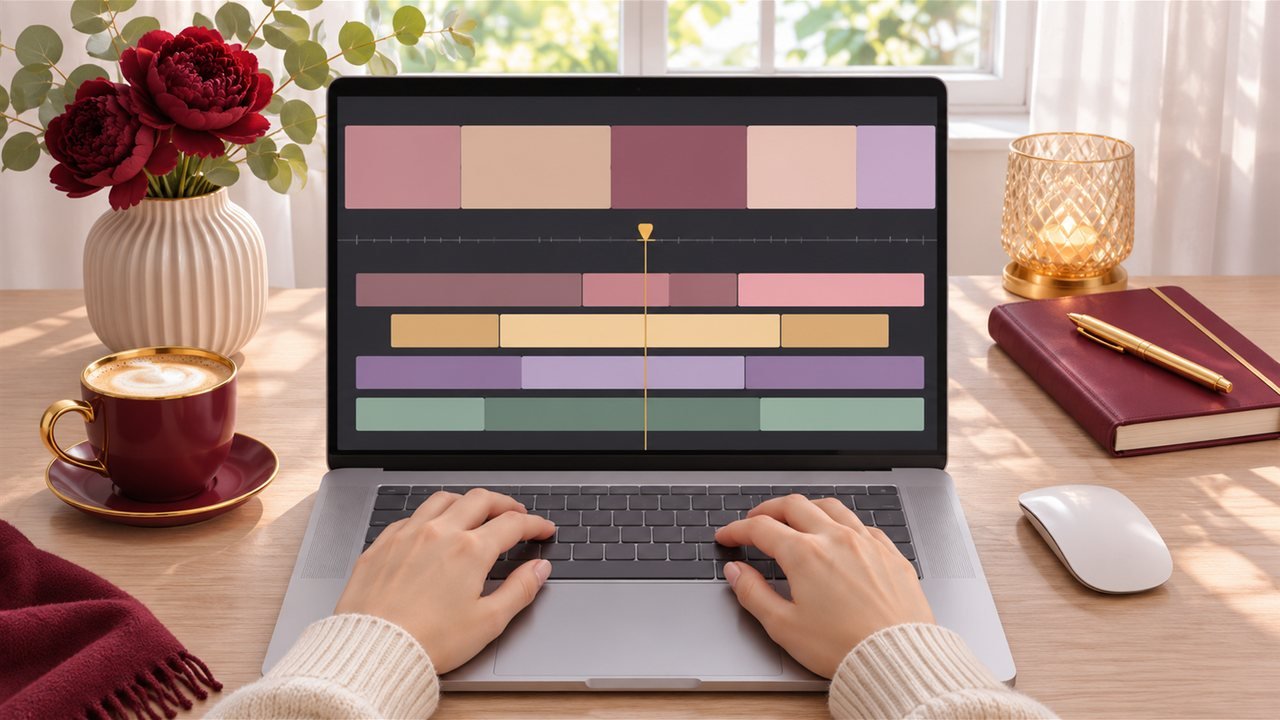
Instagram's video editor is no longer phone-only. This guide covers the Edits app for Mac: who can install it, what the desktop version adds, what it still cannot do, and a practical workflow if you are moving long and short videos over from CapCut.
What Instagram released
Instagram brought Edits to the Mac on Thursday, 5 November 2026, according to MacRumors and The Next Web. The mobile app launched in April 2025 as Instagram's answer to CapCut, and The Next Web reports more than 50 million creators use it.
The key facts:
- Price: free to download.
- Download: from Instagram's site at
edits.instagram.com/desktop/. - Requirements: a Mac with Apple silicon (M1 or later) and an Instagram account to sign in. No minimum macOS version was listed in the coverage I read.
- Updates: Instagram plans weekly updates to the Mac app, per The Next Web.
- Windows: there is no Windows version yet.
If you are still on an Intel Mac, this one is not for you. Check "About This Mac" to see whether your chip says M1, M2, M3 or later.
What the Edits app for Mac can do
The desktop app looks like the phone version but is built for bigger projects that benefit from a large screen, mouse and keyboard. Reported features:
Editing
- A full multi-track timeline.
- Keyframes for transitions.
- Precise audio waveforms, so you can cut on the beat.
- Easier splitting, cutting and trimming than on the phone.
- Custom keyboard shortcuts, or shortcuts borrowed from other editing apps (Videomaker).
Colour and style
- Colour wheels, curves and log conversion.
- Import your own LUTs and fonts, which helps you keep a consistent brand look.
Audio, effects and captions
- Instagram's licensed, royalty-free audio library.
- Hundreds of sound and video effects.
- Unlimited automatic captions, in multiple languages according to Videomaker.
Export and publishing
- Export vertical or horizontal, up to 4K with no watermark.
- Post directly to Instagram from the Mac, with tags, location and trial reels.
- Or download the file and upload it anywhere else.
One small caveat: Videomaker phrased multiple aspect ratios and watermark-free 4K as support Instagram is "expanding", while MacRumors and The Next Web describe them as included. Do one test export before you rely on it.
AI agents
Edits for Mac supports the Model Context Protocol (MCP), so you can connect an AI agent to help with parts of the edit. The Next Web says this can include Meta's Muse assistant. Treat it as an assistant, not an editor you leave alone. For what Muse can and cannot do, see my guide to Meta Muse for creators.
What it cannot do yet
- No shared projects between phone and Mac. You cannot start a project on your phone and finish it on the Mac. Saved audio and text styles from mobile do carry over when you log in.
- No Windows app.
- No Intel Mac support.
Setup in 10 minutes
- Download the app from Instagram's Edits desktop page and sign in with the Instagram account you post from.
- Open settings and set keyboard shortcuts to match the editor you know.
- Import your LUT and fonts so every video starts on-brand.
- Check that your saved text styles from the phone appear.
- Make a 10-second test video, add captions, and export one 4K file to confirm resolution and no watermark on your machine.
A CapCut-to-Edits workflow for long and short videos
If you are leaving CapCut because of paywalled tools (I broke those down in CapCut free vs Pro in 2026), here is a workflow that uses Edits for both formats.
Step 1: Organise footage once
Create one folder per video: raw, audio, exports. Projects do not transfer from CapCut, so you start fresh with your raw clips.
Step 2: Cut the horizontal master
- Build the long video on a horizontal canvas.
- Use the waveform to remove pauses and filler.
- Apply your LUT, then fine-tune with curves.
- Add captions and correct names and slang manually. Auto captions still miss local words.
Step 3: Pull vertical clips from the master
- Duplicate the project and switch to a vertical aspect ratio.
- Pick three to five moments with a clear hook in the first two seconds.
- Reframe with keyframes so faces or products stay in the centre.
- Use trial reels when posting to test a clip with non-followers first.
Step 4: Publish and file
- Post the vertical clips straight from the Mac.
- Export the horizontal master in 4K for YouTube or a client.
- Save exports in the
exportsfolder with the date in the file name.
This pairs well with my one video, every platform repurposing guide and helps you prepare a horizontal library while Instagram tests longer horizontal videos.
Who should switch, and who should wait
Switch now if you:
- Already post Reels weekly and want a bigger screen.
- Need captions and royalty-free music without a subscription.
- Own an M1 or newer Mac.
Wait or keep another editor if you:
- Need heavy colour work or advanced audio mixing (DaVinci Resolve still goes deeper).
- Rely on CapCut templates your audience recognises.
- Edit on Windows.
Mistakes to avoid
- Assuming phone projects will sync. Finish phone projects on the phone.
- Skipping caption checks. Automatic captions save time but still need a read-through.
- Using licensed Instagram audio everywhere. If you export to other platforms, check that the music you used is cleared for them.
- Letting an AI agent publish for you. Review every cut and caption yourself.
Key takeaways
- Edits for Mac launched on 5 November 2026, is free, and needs an Apple silicon Mac.
- It adds a multi-track timeline, keyframes, waveforms, colour tools, LUT and font import and custom shortcuts.
- You can export vertical or horizontal up to 4K without a watermark and post straight to Instagram.
- Phone and Mac projects do not sync yet, and there is no Windows version.
- Instagram plans weekly updates, so features will keep changing.
FAQ
Is Edits for Mac free?
Yes. Instagram offers it as a free download, and the reports I read mention no subscription.
Does Edits work on Intel Macs or Windows?
No. It requires Apple silicon (M1 or later), and there is no Windows version yet.
Can I continue a phone project on my Mac?
Not yet. Saved audio and text styles carry over, but projects do not.
Sources
Read next
 NEW
Free Apps for Content Creators: Best Open-Source Stack for 2027
The best free apps for content creators for 2027: recording, screen capture, editing, audio, subtitles and thumbnails, all open source and watermark-free.
Read more
 NEW
Facebook Creator Fast Track: Guaranteed Pay for Moving Creators
Facebook Creator Fast Track pays established creators for three months to post Reels. Who qualifies, the posting rules, pay tiers and whether to repurpose.
Read more
 NEW
FFmpeg Skill: Edit Videos by Chatting With Your Coding Agent
The open-source FFmpeg skill gives Claude Code, Cursor or Codex 42 local video tools. Trim, caption, resize for Reels and batch-export just by asking.
Read more