
YouTube Watch With and React Live: Co-Stream Reactions Fairly
YouTube Watch With and React live let you co-stream a reaction while the original keeps views and watch time. How it works, who earns what and etiquette.
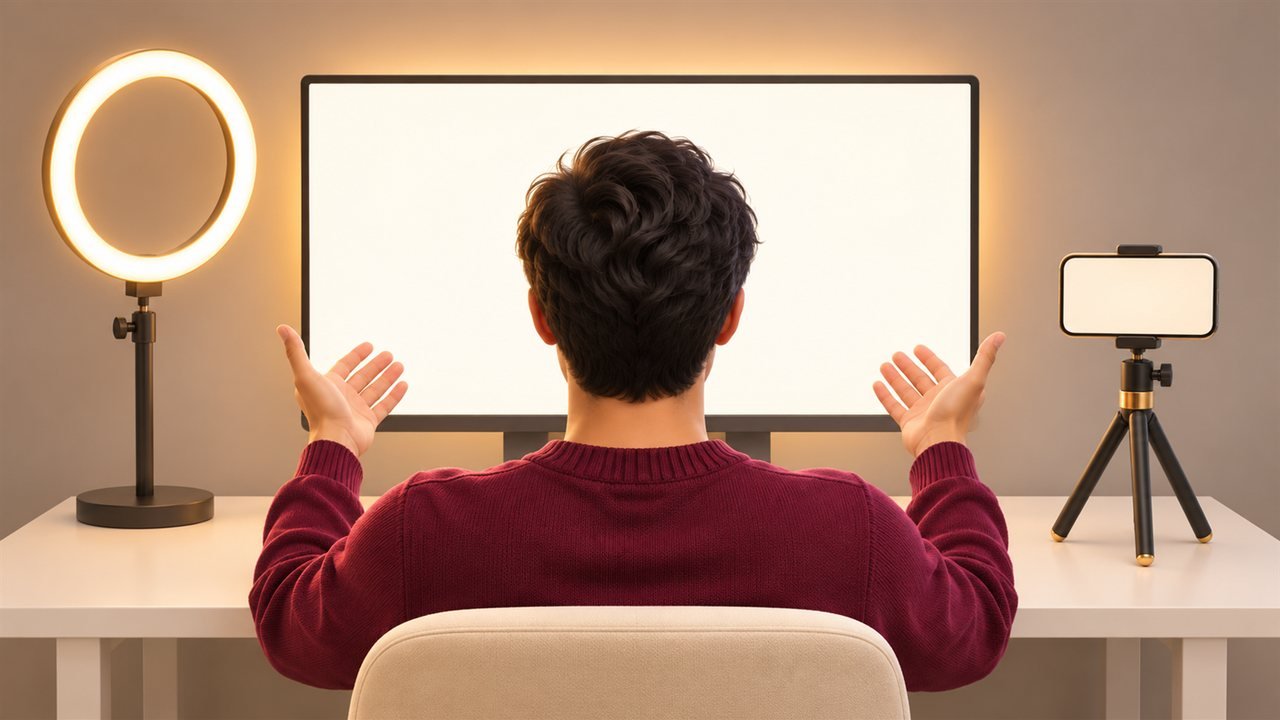
Reaction content is one of YouTube's biggest genres, and now YouTube is building it into the platform. YouTube Watch With and React live let you broadcast your live reaction to another stream or video, while the original creator keeps credit. This guide explains how it works, who earns what, how to control it on your own channel and the etiquette that keeps reactions fair.
What YouTube Watch With and React live are
Watch With started as a way for creators to react live to YouTube's own big broadcasts, then expanded to creator livestreams in 2026. The React live button is how you join in.
Timeline from the sources:
- September 2026 (week of 8 September): Stack Influence reported YouTube widened the Watch With test. Eligible livestreams got a "React live" button in the Share panel, letting creators co-broadcast a reaction from their phone.
- 23 September 2026: at Made on YouTube, YouTube's blog said it is expanding Watch With to all eligible long-form videos across the platform, starting later in 2026.
- 28 September 2026: Tubefilter reported the update turns Watch With on by default for creator-made long-form videos.
Because the long-form rollout was described as gradual, you may or may not see React live on every video yet.
How React live works
- Open an eligible livestream or long-form video on your phone.
- Tap Share, then React live (where available).
- Your reaction stream starts alongside the original, with your camera on.
Details from Stack Influence's FAQ:
- The camera locks into horizontal orientation and cannot be turned off, so viewers always see the reacting creator.
- The feature works for eligible streams; YouTube has not published the full eligibility criteria.
Who earns what
This is the important part for both sides:
The reacting creator
- Keeps the live ad revenue and fan funding they earn during the reaction stream (YouTube blog).
- Tubefilter adds that this includes Channel Memberships earned during the reaction.
The original creator
- During the livestream test, the original stream keeps its views, watch time and concurrent viewers (Stack Influence).
- For the long-form expansion, YouTube says originals get clear attribution and added view credit in YouTube Studio.
- Tubefilter noted it is unclear whether this view credit turns into ad revenue for the original creator.
How to control reactions on your channel
YouTube says original creators have full control over which of their videos can be reacted to. According to Stack Influence and Tubefilter:
- You can disable reactions on your own streams in settings.
- You can turn off Watch With in YouTube Studio settings if you do not want it at all.
Decide based on your goals:
- Allow it if you want exposure and your content works well with commentary (news, gaming, sports, music premieres, product launches).
- Restrict it for sensitive content, paid courses, exclusive member content or anything where you need full control of context.
Etiquette for reaction creators
React live makes reaction streaming easier, but fairness still matters. Use this checklist:
1. Add real value
Commentary, expertise, jokes, analysis, context. If you just sit silently while the original plays, you are not adding much.
2. Credit clearly
React live gives attribution automatically, but also say the creator's name and encourage viewers to visit their channel.
3. Respect opt-outs
If a creator disables reactions, do not work around it by screen-recording and re-uploading. That is a re-upload, not a reaction. See our guide to YouTube Shorts originality rules for why re-uploads lose reach.
4. Stay respectful
Criticism is fine; harassment is not. Do not send your audience to attack the original creator.
5. Ask for collaboration when it fits
If you react to someone regularly, reach out. Our creator collaboration guide explains how to propose joint streams.
6. Follow brand and disclosure rules
If your reaction stream is sponsored, disclose it properly.
Ideas for React live streams
- Live premieres and launches: react to a trailer drop, keynote or music video.
- Expert breakdowns: a designer reacting to a design tutorial, a chef to a cooking stream.
- Gaming events: watch-alongs with commentary for your community.
- Learning together: react to a long tutorial and add your own tips.
- Community nights: watch a favourite creator's stream with your viewers and chat together.
Setup tips for phone reactions
Because the camera locks horizontal and stays on:
- Use a phone holder or tripod that supports landscape.
- Face a window or a soft light so your face is clear.
- Use headphones to avoid echo from the original's audio.
- Check your internet connection before going live.
Other live features coming
YouTube's September 2026 blog also announced:
- Go Live Together matchmaking (early 2027): browse or quick-match with similar live creators.
- Live showdown (2027): team competitions for co-hosted streams.
- Live auto dubbing pilot (early 2027). YouTube noted that more than 40% of live watch time comes from outside a creator's home country.
Mistakes to avoid
- Reacting without speaking. Add value.
- Ignoring opt-outs.
- Clickbait titles that misrepresent the original creator.
- Poor audio, making it hard to follow both streams.
- Assuming every video is eligible. Availability is rolling out.
For more on growing with live content, see our guide on building a community of superfans.
Key takeaways
- React live lets you co-broadcast a reaction to eligible livestreams and, from later in 2026, long-form videos.
- Reacting creators keep live ad revenue and fan funding; originals get attribution and added view credit.
- Originals keep views, watch time and concurrent viewers in the livestream test and can turn reactions off.
- Fair reactions add commentary, credit clearly and respect opt-outs.
FAQ
What is YouTube Watch With?
A feature that lets creators react live to other streams and, as it rolls out, eligible long-form videos, using the React live button.
Who gets the money from a React live stream?
The reacting creator keeps live ad revenue and fan funding. The original creator gets attribution and added view credit in Studio.
Can I stop others from reacting to my videos?
Yes. YouTube says original creators control which videos can be reacted to, and you can turn reactions or Watch With off in settings.
Sources
Read next
 NEW
Free Apps for Content Creators: Best Open-Source Stack for 2027
The best free apps for content creators for 2027: recording, screen capture, editing, audio, subtitles and thumbnails, all open source and watermark-free.
Read more
 NEW
Facebook Creator Fast Track: Guaranteed Pay for Moving Creators
Facebook Creator Fast Track pays established creators for three months to post Reels. Who qualifies, the posting rules, pay tiers and whether to repurpose.
Read more
 NEW
FFmpeg Skill: Edit Videos by Chatting With Your Coding Agent
The open-source FFmpeg skill gives Claude Code, Cursor or Codex 42 local video tools. Trim, caption, resize for Reels and batch-export just by asking.
Read more