
TikTok Comment Polls: 12 Ideas for Engagement and Sales
TikTok comment polls are live globally: up to five options, a voting window, live results. Here are 12 poll ideas and a system to turn votes into content.
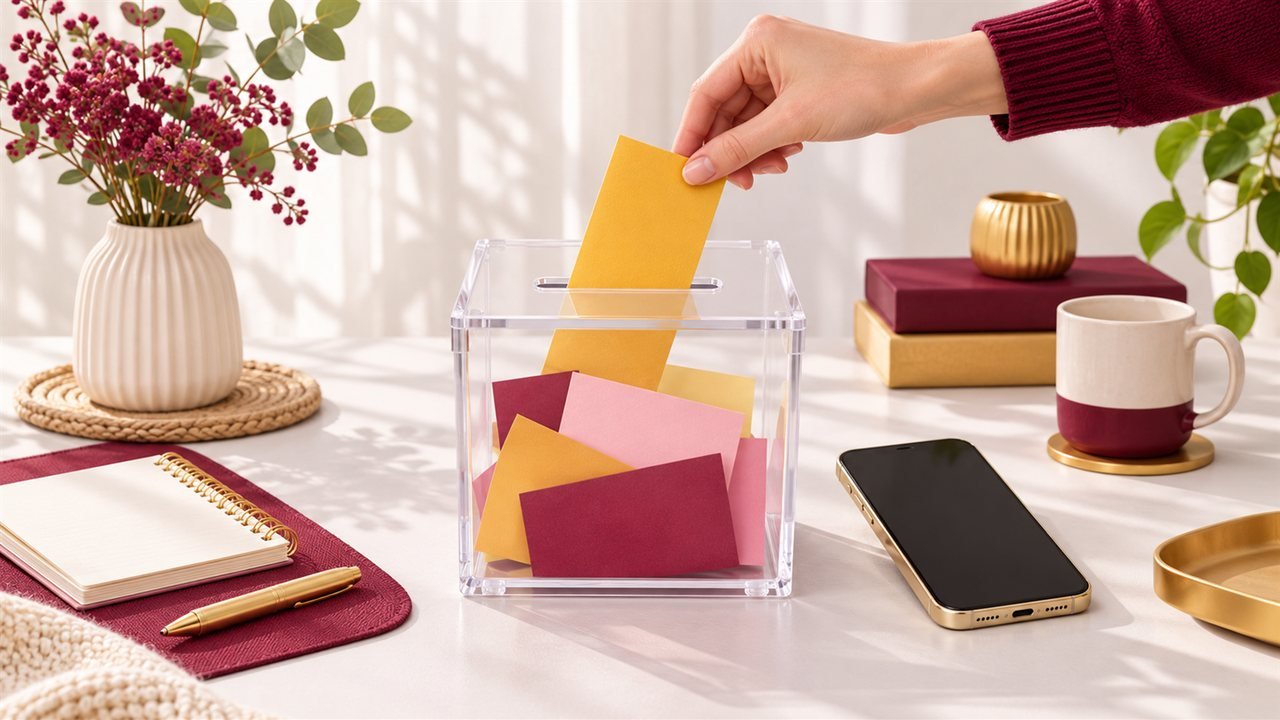
TikTok now lets you add a poll in the comments of your own videos. It sounds small, but it is one of the easiest ways to learn what your audience wants and to get more comments. Here is how it works and a practical playbook to use it.
How TikTok comment polls work
TikTok announced comment polls on 3 September 2026, together with other comment upgrades. According to TikTok's newsroom:
- Creators can add a poll when commenting on their own video, using the poll icon in the comment box.
- A poll can have up to five options.
- You set a voting timeframe.
- Results appear in the comment section as votes come in.
- Comment polls are available globally.
The same update added:
- Voice comments of up to 60 seconds, for accounts 18 and older.
- Photo carousel comments with up to nine photos.
- Live Photo comments that show a short burst of motion.
Some of these rolled out gradually, so check your app version if you do not see them.
Why polls are worth your time
- They lower the effort to engage. Tapping an option is easier than typing a comment.
- They give you real data. You stop guessing what your next video should be.
- They make viewers feel involved. People who vote often come back to see the result.
Polls do not replace good content, and TikTok has not said polls affect ranking. Treat them as a research and community tool, as part of a wider comment-driven engagement strategy.
12 TikTok comment poll ideas you can copy
For content planning
- "What should I test next?" List up to five products, tools or recipes.
- "Which part should I explain in detail?" For tutorials with several steps.
- "Short version or full version?" Find out if your audience wants a long video.
- "Which series should continue?" If you run more than one format.
For engagement
- "Which one would you pick?" Two or three options from the video.
- "Be honest: what's your budget?" Price ranges for a product category.
- "Have you tried this?" Yes / No / Planning to.
- "What's your biggest problem with ___?" Four common pain points.
For affiliates and sellers
- "Which color should I review?" Helps you choose which variant to feature.
- "Under which price would you buy?" Useful before a sale event.
- "What stops you from buying?" Shipping, price, trust, size. Very useful feedback.
- "Which deal should I hunt for you this weekend?" Builds a reason to follow.
Keep the options short. Five long options are hard to read on a small screen.
The "vote, make, reply" system
Polls are only useful if you act on the results. Use this simple loop:
- Vote: Post a video and add a poll in your own comment within the first hour.
- Make: When the voting window closes, make a video about the winning option.
- Reply: Start the new video with the result ("62% of you picked the cheaper tripod, so here's my honest review") and reply to a voter's comment with a video if your app supports it.
This loop gives you an endless list of ideas that your audience already asked for. Use the words voters pick in your captions and on-screen text too; it helps with TikTok search optimization.
Poll templates
Product comparison (affiliate):
Which one should I test for a full week?
A) The cheap one
B) The mid-range one
C) The expensive one
D) All three, side by side
Tutorial planning:
Next tutorial: what do you want to learn?
A) Editing captions faster
B) Better lighting at home
C) Writing hooks
D) Posting schedule
Honest feedback:
What's stopping you from trying this?
A) Price
B) Not sure it works
C) Shipping time
D) I already have one
Using voice and photo comments too
- Voice comments: invite viewers to "send a 10-second voice comment with your best tip." Then feature the best tips in a follow-up video (ask permission first).
- Photo carousel comments: ask buyers to share photos of how they use a product. Real photos from viewers are strong social proof, but do not repost them without permission.
Mistakes to avoid
- Too many polls. One poll on every video gets boring. Use them on videos where a choice makes sense.
- Ignoring the result. If people vote and you never follow up, they stop voting.
- Fake choices. If you already decided, do not pretend to ask.
- Polls that collect personal data. Do not ask for things like location details or income in a way that makes people uncomfortable.
My take
As an affiliate creator, the most valuable poll for me is "What stops you from buying?" The answers tell me what to explain in the next video: shipping, size, warranty, or simply whether the product is real. That kind of honest content usually performs better than another hard sell.
Key takeaways
- TikTok comment polls are live globally: up to five options, a voting window, and live results.
- Creators can only add polls on their own videos.
- Use the "vote, make, reply" loop to turn votes into your next videos.
- Combine polls with voice and photo comments to collect tips and social proof.
Sources
Read next
 NEW
Free Apps for Content Creators: Best Open-Source Stack for 2027
The best free apps for content creators for 2027: recording, screen capture, editing, audio, subtitles and thumbnails, all open source and watermark-free.
Read more
 NEW
Facebook Creator Fast Track: Guaranteed Pay for Moving Creators
Facebook Creator Fast Track pays established creators for three months to post Reels. Who qualifies, the posting rules, pay tiers and whether to repurpose.
Read more
 NEW
FFmpeg Skill: Edit Videos by Chatting With Your Coding Agent
The open-source FFmpeg skill gives Claude Code, Cursor or Codex 42 local video tools. Trim, caption, resize for Reels and batch-export just by asking.
Read more