
LinkedIn In-Stream Ads Pay Creators: What Freelancers Should Do
LinkedIn In-Stream Ads now pay select US creators, plus paid Advice Sessions, a creator dashboard and pinned comments. What is global and what is not yet.
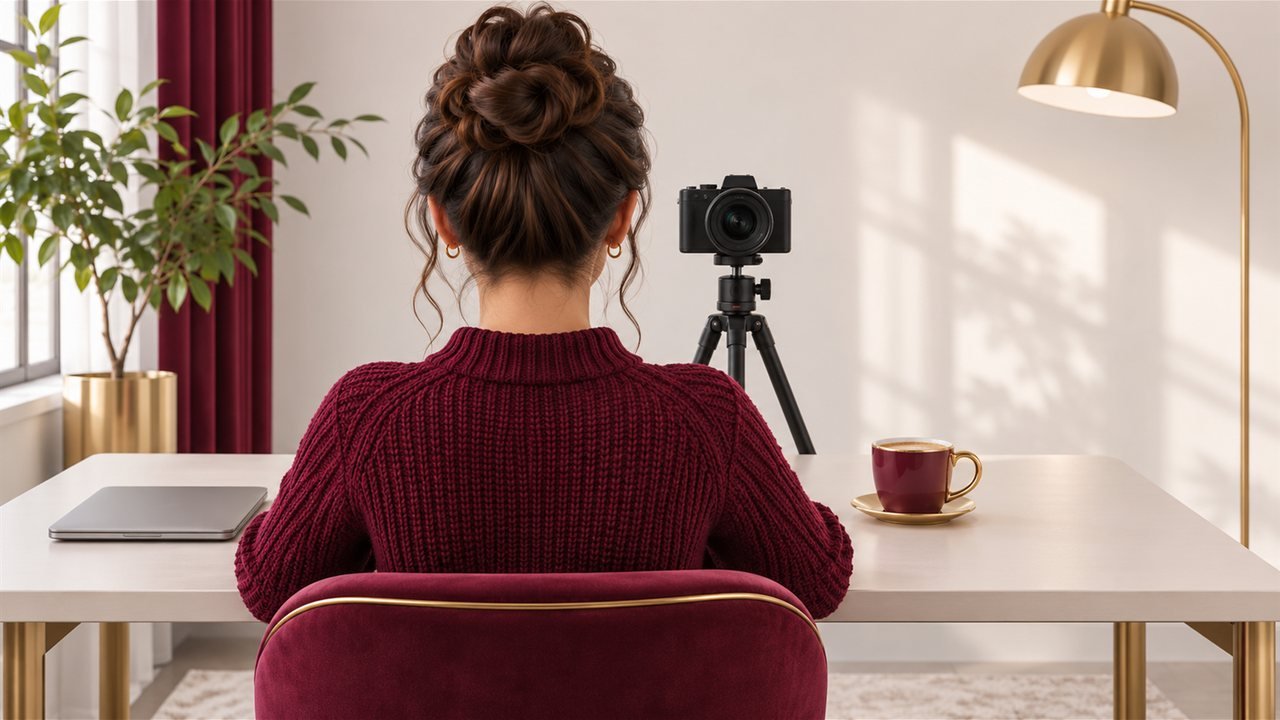
LinkedIn is slowly turning into a real creator platform, especially for freelancers, consultants and educators. In October 2026 it announced a package of creator tools, including LinkedIn In-Stream Ads, a test that pays creators for ads on their videos. Here is what was announced, where it is available, and what you can do with it now.
LinkedIn In-Stream Ads and the other new creator tools
On 15 October 2026, LinkedIn announced several creator features. According to PPC Land's breakdown of the announcement:
Tests (limited availability)
- In-Stream Ads: pre-roll ads that run before eligible videos, with creators earning from them. It is a test with select US creators and advertisers. LinkedIn says broader access is planned over time.
- Advice Sessions: paid one-to-one consultations booked from your profile, with booking, payments and video calls handled on LinkedIn. Available to Business Premium subscribers in the US.
- Network feed: a test feed with posts only from your connections and accounts you follow, in a few markets (reports list the US, India and Australia, and some mention the UK).
Rolling out more widely
- Creator dashboard: one place for analytics and earning tools, rolling out globally.
- Digital business cards, rolling out globally over the coming months.
- Private profile notes for Premium members.
- Pinned comments on your posts.
LinkedIn has not disclosed revenue splits, payout calculations, or how Advice Session fees and commissions work.
Context: LinkedIn's video push
This builds on earlier moves:
- BrandLink (2025) placed pre-roll ads before videos from publishers and a small group of B2B creators.
- BrandLink became self-serve for advertisers in March 2026.
- A Creator Marketplace launched in alpha in June 2026 for select North American brands and creators.
The direction is clear: LinkedIn wants more professional video and is starting to share money with the people who make it.
What you can do now (from any country)
Even if you are not in the US, several pieces are useful today.
1. Set up the creator dashboard
When it reaches you, check:
- which posts brought profile visits (not just likes)
- which topics bring followers from your target industry
- how your video posts compare to text posts
2. Use pinned comments as a mini landing page
Pinned comments are perfect for freelancers. Under a useful post, pin a comment like:
If you want help with this for your business, I build fast,
simple websites for small brands. Portfolio and contact details
are in my Featured section.
Keep it helpful and short. One clear next step.
3. Prepare for video, even if LinkedIn In-Stream Ads are not open to you
If In-Stream Ads expand, creators with a library of solid videos will be ready first. Good LinkedIn video formats:
- 60 to 90 second explainers on one problem in your field
- Case study walkthroughs (with client permission)
- "How I would fix this" reviews of common mistakes
- Short talks from events or webinars
Use captions. Many people watch LinkedIn at work, with sound off.
4. Get your profile ready for paid consultations
Advice Sessions are US-only for now, but the idea of selling expert time from your profile is worth preparing for:
- Write a clear headline: who you help and with what.
- Add a Featured section with your best work.
- Decide what a 30-minute session from you would include and cost.
- Collect a few testimonials.
If you already sell consultations through your own website or a booking tool, link to it from your profile now. Our LinkedIn personal brand guide for freelancers goes deeper on the profile itself.
5. Use digital business cards at events
When they reach you, share a digital card instead of typing your profile name. It is a small thing, but it removes friction when you meet clients.
A 4-week LinkedIn plan for freelancers
- Week 1: Update your headline, About and Featured section. Pin a helpful comment on your best post.
- Week 2: Post one short video explaining a common problem in your field.
- Week 3: Post a case study or lesson learned, as text plus one image. This portfolio case study template gives you a structure.
- Week 4: Review the dashboard. Repeat the format that brought the most profile visits.
What to avoid
- Copying TikTok-style trends that do not fit a professional audience.
- Engagement-bait posts ("Comment YES and I'll send you..."). They may get comments but rarely bring clients.
- Promising results in your posts or sessions that you cannot guarantee.
My take
As a web developer, LinkedIn has always been where serious client conversations start for me, even if other apps bring more views. LinkedIn creator ads, the paid In-Stream video ads, are still a small US test, so I would not plan around them. The tools that matter most right now are the boring ones: a clear profile, pinned comments and a dashboard that shows what brings real visitors.
Key takeaways
- LinkedIn is testing In-Stream Ads that pay select US creators for pre-roll ads on their videos.
- Advice Sessions (paid consultations) are US-only for Business Premium subscribers.
- The creator dashboard, digital business cards and pinned comments are rolling out more widely.
- Build a small library of useful videos and a strong profile now, so you are ready if access expands.
Working from Indonesia with overseas clients in mind? Read how to find global clients from Indonesia.
Sources
Read next
 NEW
Free Apps for Content Creators: Best Open-Source Stack for 2027
The best free apps for content creators for 2027: recording, screen capture, editing, audio, subtitles and thumbnails, all open source and watermark-free.
Read more
 NEW
Facebook Creator Fast Track: Guaranteed Pay for Moving Creators
Facebook Creator Fast Track pays established creators for three months to post Reels. Who qualifies, the posting rules, pay tiers and whether to repurpose.
Read more
 NEW
FFmpeg Skill: Edit Videos by Chatting With Your Coding Agent
The open-source FFmpeg skill gives Claude Code, Cursor or Codex 42 local video tools. Trim, caption, resize for Reels and batch-export just by asking.
Read more