
Kling 4.0 Guide: 30-Second AI Videos With Stereo Sound
A practical Kling 4.0 guide: 30-second single takes, stereo audio, lip sync, references, and the one prompt line that stops automatic multi-shot cuts.
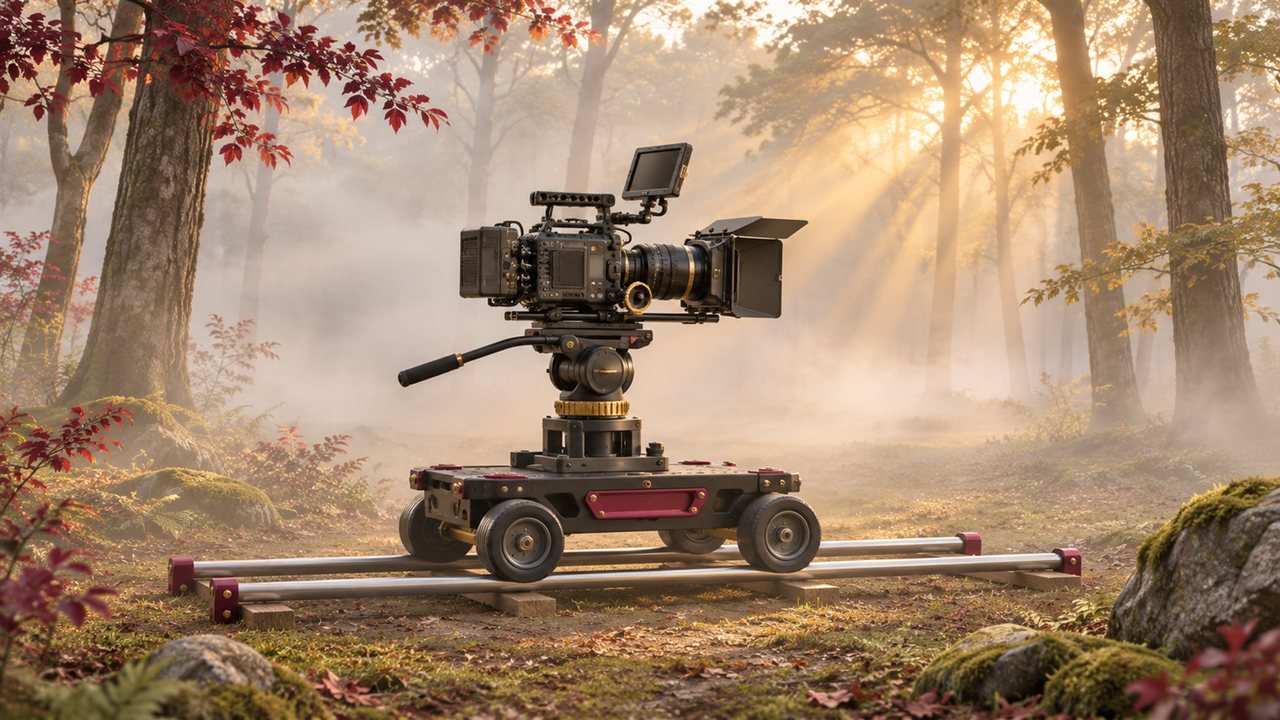
Kling 4.0 can generate a single AI video clip of up to 30 seconds with stereo sound, which is long enough for a full short-form scene. This guide shows you what Kling 4.0 can do, how to write prompts for long takes, how to stop the automatic multi-shot cuts, and where it still trips up.
What is new in Kling 4.0
Kling, the AI video tool from Kuaishou, introduced Kling 4.0 in a blog post on September 30, 2026, with early access first and a wider rollout planned for October. Reviews and API access kept arriving through October and November. The main upgrades, according to Kling's announcement and independent reviews:
- Up to 30 seconds per generation. ChatCut's review says clips run from 3 to 30 seconds in one-second steps, up from 15 seconds in Kling 3.0. The lighter Kling 4.0 Flash tops out at 20 seconds.
- Two-channel stereo audio. Audio is generated with the video. ChatCut found true stereo in Kling 4.0, where its Kling 3.0 test had been dual-mono.
- Better lip sync for dialogue and performances.
- Up to 10 keyframe images to plan key moments, poses and transitions.
- Omni reference with up to 15 assets per generation: up to 10 images, up to 5 videos (30 seconds combined) and up to 7 subjects.
- 21:9 ultrawide output, plus 16:9, 1:1 and 9:16 according to fal's overview.
- Long prompts of up to 8,000 tokens.
- Many dialogue languages, including English, Chinese, Japanese, Korean, Spanish, Portuguese, German, French and Hindi.
Some announced features were still marked "coming soon" in the sources: 10-bit HDR, native 4K in some tools, and video extension up to 2 minutes.
Kling 4.0 vs Kling 4.0 Flash
- Kling 4.0: up to 30 seconds, higher quality, more reference options.
- Kling 4.0 Flash: up to 20 seconds, 720p, faster and cheaper. ChatCut reports Flash costs about 40% less per second than Kling 4.0 at 720p.
- When to use Flash: drafts, tests and simple scenes.
- When to use full Kling 4.0: final takes, dialogue, fast motion near the camera.
ChatCut noticed that Flash once let a fast subject pass too close to the lens, so for action shots the full model is safer.
The trick: stop automatic multi-shot cuts
This is the most useful tip from the ChatCut review. Kling 4.0's smart multi-shot cutting is on by default, so a normal 30-second prompt often comes back as a montage of several shots. That is great for a trailer, but bad when you wanted one smooth camera move.
What worked in their test:
- Start the prompt with: "One continuous 30-second take with no cuts." Their 30-second clip came back with zero cuts across 721 frames.
- Do not name two shot sizes. Writing "medium shot, then a close-up" caused an unrequested hard cut at about 5 seconds. Describe a push-in instead: "the camera slowly pushes in until her face fills the frame."
Single-take prompt template
One continuous 30-second take with no cuts.
0-10s: [opening action], camera [move].
10-20s: [middle action], camera keeps [move].
20-30s: [ending action], camera settles on [final frame].
Look: [lens / film style / light]. Sound: [ambience, footsteps, one line of dialogue].
Exclusions: no music, no subtitles.
Time-coding the segments, as ChatCut's examples do, helps the model pace the story across the full length.
How to get good lip sync and dialogue
In ChatCut's 10-second coffee-shop test with two speakers and three timed lines, the transcript matched every word and neither speaker's lips moved during the other person's line. A few rules make results like that more likely:
- Give each speaker a clear description ("the woman in the green jacket", "the older man at the counter").
- Time the lines: "At 2s she says: ... At 5s he replies: ...".
- Prefer front-facing close-ups. ChatCut found side profiles produce softer lip shapes.
- Keep lines short. Two or three lines per 10 seconds is plenty.
Using references the smart way
Kling 4.0's reference system is where it pulls ahead for creators:
- Copy a camera move, not a person. ChatCut used a reference video (written as
@video_1in the prompt) to transfer the camera path onto new subjects without copying the original clip's people or setting. Say exactly what you want from each attachment: "take only the camera path from @video_1." - Lock a product or character with image references, then describe the action.
- Mind the 30-second reference budget. fal notes that reference and edit clips share a 30-second cap, so a 3-second supporting clip leaves 27 seconds for the primary video in edit mode.
- Use First/Last Frame to control where a shot starts and ends. ChatCut points out that chaining two 5-second First/Last clips costs the same as one 10-second clip and lets you reroll only half the shot.
For a broader look at which tool fits which job, see our AI video generators guide. If your clips are mostly 15 seconds or shorter, compare it with Gemini Omni 1.2 Flash.
What it costs
Kling did not list prices on its announcement page, and fal had not yet published API prices at the time of its overview. ChatCut lists these credit costs in its own app:
- Kling 4.0, 10 seconds at 720p: 7.54 credits
- Kling 4.0, 10 seconds at 1080p: 11.28 credits
- Kling 4.0 Flash, 10 seconds at 720p: 4.52 credits
- Adding a 10-second reference video raised a 1080p clip to 13.57 credits (about +20%)
Prices differ between Kling's own app and third-party platforms, so compare before buying credits.
Weaknesses to plan around
- Baked-in fake text. "No text" does not stop signage on props. ChatCut saw garbled pseudo-Chinese characters on a food cart. Avoid shops, signs and labels in the frame, or blur them later.
- Audio jumps between chained clips. Add a short audio crossfade in your editor.
- Limited controls in some apps. ChatCut has no camera slider, negative-prompt box or audio mute toggle for Kling, so you must say it in the prompt.
- Long generations cost more per mistake. Test the idea with a short Flash draft first.
A simple workflow for a 30-second short
- Write the script in three 10-second beats.
- Test beat one with Kling 4.0 Flash at 720p.
- Fix wording, then generate the full 30-second single take with Kling 4.0.
- Replace or mix the audio in CapCut or your editor if needed; our AI video editing workflow covers this.
- Add captions and an AI label where the platform requires it.
Key takeaways
- Kling 4.0 makes single clips of up to 30 seconds with stereo audio; Flash goes up to 20 seconds.
- Start prompts with "One continuous 30-second take with no cuts" to avoid automatic montage cuts.
- Use reference videos for camera moves and image references for products and characters.
- Expect garbled text on props and plan to fix audio seams between chained clips.
FAQ
How long can Kling 4.0 videos be?
Up to 30 seconds in one generation. Kling 4.0 Flash goes up to 20 seconds. A 2-minute extension was announced as coming soon.
Why does Kling 4.0 add cuts I did not ask for?
Smart multi-shot cutting is on by default. Begin your prompt with a clear no-cuts instruction and avoid naming two different shot sizes.
Does Kling 4.0 make sound?
Yes. It generates two-channel stereo audio, including dialogue with lip sync.
Sources
Read next
 NEW
Free Apps for Content Creators: Best Open-Source Stack for 2027
The best free apps for content creators for 2027: recording, screen capture, editing, audio, subtitles and thumbnails, all open source and watermark-free.
Read more
 NEW
Facebook Creator Fast Track: Guaranteed Pay for Moving Creators
Facebook Creator Fast Track pays established creators for three months to post Reels. Who qualifies, the posting rules, pay tiers and whether to repurpose.
Read more
 NEW
FFmpeg Skill: Edit Videos by Chatting With Your Coding Agent
The open-source FFmpeg skill gives Claude Code, Cursor or Codex 42 local video tools. Trim, caption, resize for Reels and batch-export just by asking.
Read more