
WhatsApp Business Features Small Sellers Should Set Up First
The WhatsApp Business features worth setting up for small sellers: catalog, quick replies, labels, greeting and away messages and short links, step by step.
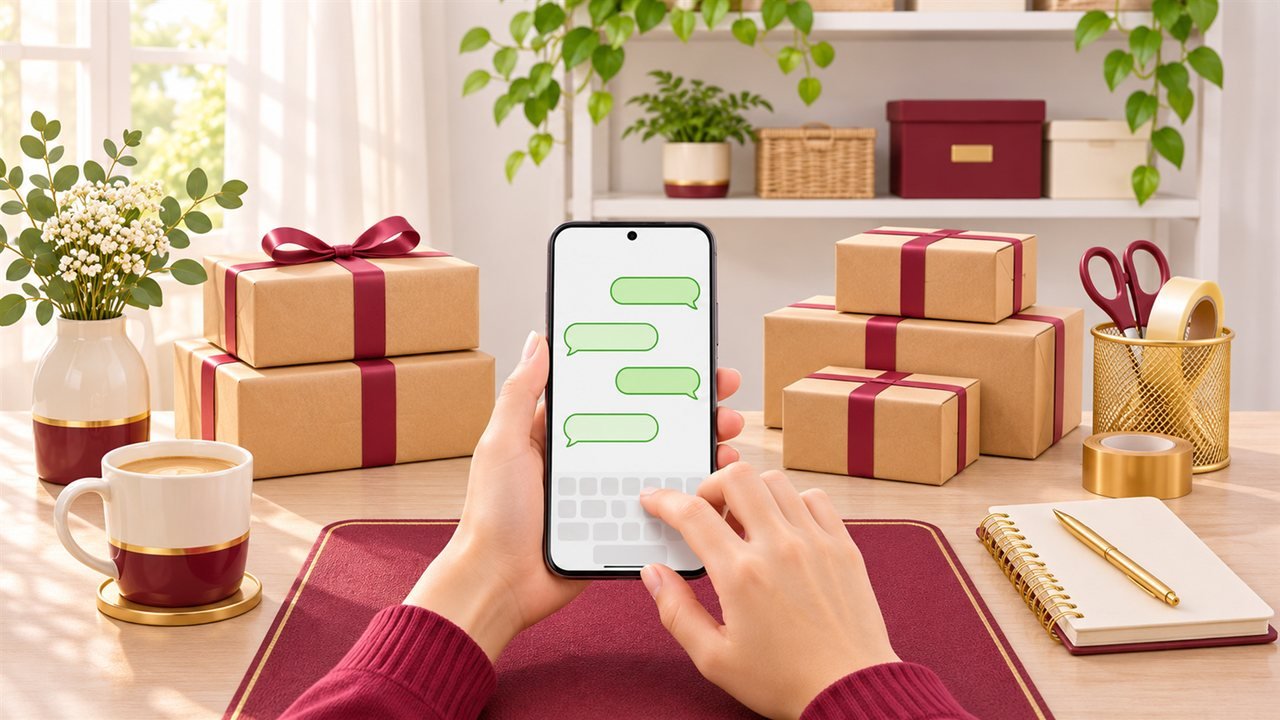
If you sell online and answer customers on WhatsApp, a handful of WhatsApp Business features can save you hours a week. This guide covers the six worth setting up first: catalog, quick replies, labels, greeting messages, away messages and short links, with the steps from WhatsApp's own Help Center and ready-to-use message templates.
Many small sellers I build websites for still answer every "harga berapa kak?" by typing it out again. Setting these features up takes about an hour once, and it pays back every single day.
A quick note: the steps below follow WhatsApp's Android instructions. On iPhone the menus are similar, and in some versions or languages the Tools tab may appear with a different name. WhatsApp also changes features gradually, so your app may look slightly different.
1. Catalog: your mini shop inside the chat
WhatsApp says the catalog lets you showcase products and services, and it appears on your business profile.
How to add an item (Android):
- Open Tools and tap Catalog.
- Tap the option to add a new item.
- Add photos or videos. WhatsApp allows up to 10 per item, with videos up to 50 MB.
- Enter the product or service name.
- Select the country of origin, which is required.
- Optionally add a price, sale price, description, website link and product code.
- Save.
WhatsApp notes that every image and video in the catalog is reviewed against its policies, and items only appear to customers after approval. Adding a price is available only in certain countries.
Sharing: open Tools > Catalog, pick an item and tap Share, then send it in a chat, post it to your status, copy the link or share it in another app. You can also share a link to the whole catalog. Collections cannot be shared as a single link, so share the catalog link or individual items instead.
Seller tips:
- Use the same product names as on your marketplace listing, so customers recognise them
- Put size, material and variants in the description to cut down repeat questions
- Remove sold-out items quickly
2. Quick replies: stop typing the same answer
Quick replies are saved messages you can insert with a shortcut.
How to create one (Android):
- Open the Tools tab and tap Quick replies.
- Tap the plus icon.
- Write the Message (you can attach media).
- Set a Shortcut, such as
/hargaor/ongkir. - Tap Save.
How to use it: in a chat, type / and your quick replies appear. Pick one, edit if needed and send.
Key limits from WhatsApp: you can save up to 50 quick replies, media in quick replies is not supported on WhatsApp Web or Desktop, and deleted quick replies cannot be recovered, so keep a copy of important ones outside the app. WhatsApp also creates default quick replies from your business profile, such as your hours and address, so fill in your profile completely.
Five quick replies every small seller needs:
/harga Thanks for asking! The price for [product] is [price]. Available in [variants]. Would you like me to check stock for you?/order To order, please send: name, full address, phone number, product and variant, and quantity. I'll confirm the total and shipping right after./bayar You can pay via [payment methods]. Please send the payment proof here and I'll process your order the same day./resi Your order has shipped! Tracking number: [number] via [courier]. You can track it on the courier's website or app./toko You can also order through our official marketplace store here: [link]. Same product, with the marketplace's buyer protection.If you write product details with AI, my guide to AI product description prompts helps you keep them accurate.
3. Labels: sort chats like an order board
Labels help you organise chats by status. WhatsApp's Help Center says labels are now becoming lists, rolling out gradually, so your app may show either.
How labels work (Android):
- Create: Chats > More (three dots) > Label chat, enter a name, tap the check mark, then Save.
- Apply: tap and hold a chat, tap the label icon, select labels and Save. A chat can have several labels.
- Manage: Chats > More > Labels to rename, change colour or delete.
You can create up to 20 labels. From a label's menu you can also message the customers in that label as a broadcast (individual customers only, not groups).
A simple label system:
- New inquiry
- Waiting for payment
- Paid, to ship
- Shipped
- Repeat customer
- Complaint
Check "Waiting for payment" once in the evening and send a polite reminder.
4. Greeting message: a warm first reply
A greeting message is sent automatically. WhatsApp says it goes out when a customer messages you for the first time, or after 14 days of no activity in that chat.
Set it up (Android): Tools > Greeting message, turn on Send greeting message, edit the text, choose recipients (everyone, everyone not in your address book, everyone except selected contacts, or only selected contacts) and Save.
Template:
Hi, thanks for contacting [store name]! 👋 Check our catalog for prices and stock. Type your question and we'll reply during opening hours, [days and hours].WhatsApp notes that greeting messages are switched off automatically if Meta Business Agent is connected.
5. Away message: be honest about your hours
Set it up (Android): Tools > Away message, turn on Send away message, edit the text, then pick a schedule:
- Always send
- Custom schedule
- Outside of business hours (only appears if you have set business hours in your profile)
Then choose recipients and Save. Your phone needs an active internet connection for away messages to send.
Template:
Thanks for your message! We're closed right now and will reply from [time] tomorrow. Meanwhile you can browse our catalog or order via our store: [link].6. Short link: one link for your bio and ads
WhatsApp creates a short link automatically when you set up your business account.
Find it (Android): Tools > More (three dots) > Short link. Tap the pencil icon to set a default message customers see when they open the link, then copy or share it.
Put it in your Instagram and TikTok bio, website, flyers and product packaging. A default message like "Hi, I want to ask about [product]" tells you where the customer came from. My guide to a link-in-bio page that converts shows where to place it.
WhatsApp Business features: a one-hour setup plan
- 10 minutes: complete your business profile (hours, address, description)
- 20 minutes: add your top 10 products to the catalog
- 10 minutes: create five quick replies
- 5 minutes: set up labels
- 10 minutes: greeting and away messages
- 5 minutes: customise your short link and add it to your bio
Not sure whether to sell through WhatsApp, a website or a marketplace? Read website vs marketplace.
Mistakes to avoid
- Greeting messages that promise instant replies, or quick replies with outdated promo prices
- Asking customers to transfer money without clear written order details
Key takeaways
- Catalog, quick replies, labels, greeting, away messages and short links cover most small-seller needs.
- Up to 50 quick replies and 20 labels; plan them, do not improvise.
- Greeting messages go to first-time customers and after 14 days of inactivity.
- Away messages can follow your business hours once you set them in your profile.
- Use your short link with a default message everywhere you promote.
FAQ
Is WhatsApp Business free?
The WhatsApp Business app is available to download from Google Play and the App Store. Check WhatsApp's own pages for any paid features in your country.
Why can't I see labels?
WhatsApp says labels are becoming lists and rolling out gradually, so your app may show lists instead.
Can customers order directly from the catalog?
They can browse items and send them to you in chat, and WhatsApp's Help Center also documents a cart feature. Either way, confirm the total, shipping and payment in writing in the chat.
Sources
Read next
 NEW
Free Tools for Online Sellers: Open-Source Apps for 12.12
Free tools for online sellers on Shopee and TikTok Shop: bulk background removal, photo upscaling and stock tracking, plus a 12.12 prep checklist.
Read more
 NEW
GTA 6 Brand Collaboration Lessons From Nike, Heinz and Sony
GTA 6 brand collaboration ideas from Nike, Heinz and PlayStation: what each did well, and how small brands can ride big launches honestly.
Read more
 NEW
Mailchimp Sold to Bending Spoons: Should Creators Switch?
Mailchimp is being sold to Bending Spoons for $3.68 billion. What the deal means, what happened at Vimeo and Evernote, and a calm checklist for creators.
Read more