
Siri Recaps on Apple Watch and Live Rewind: Useful or Creepy?
Siri Recaps on Apple Watch summarize your day's conversations and Live Rewind replays the last 15 seconds. How they work, the privacy design and etiquette.
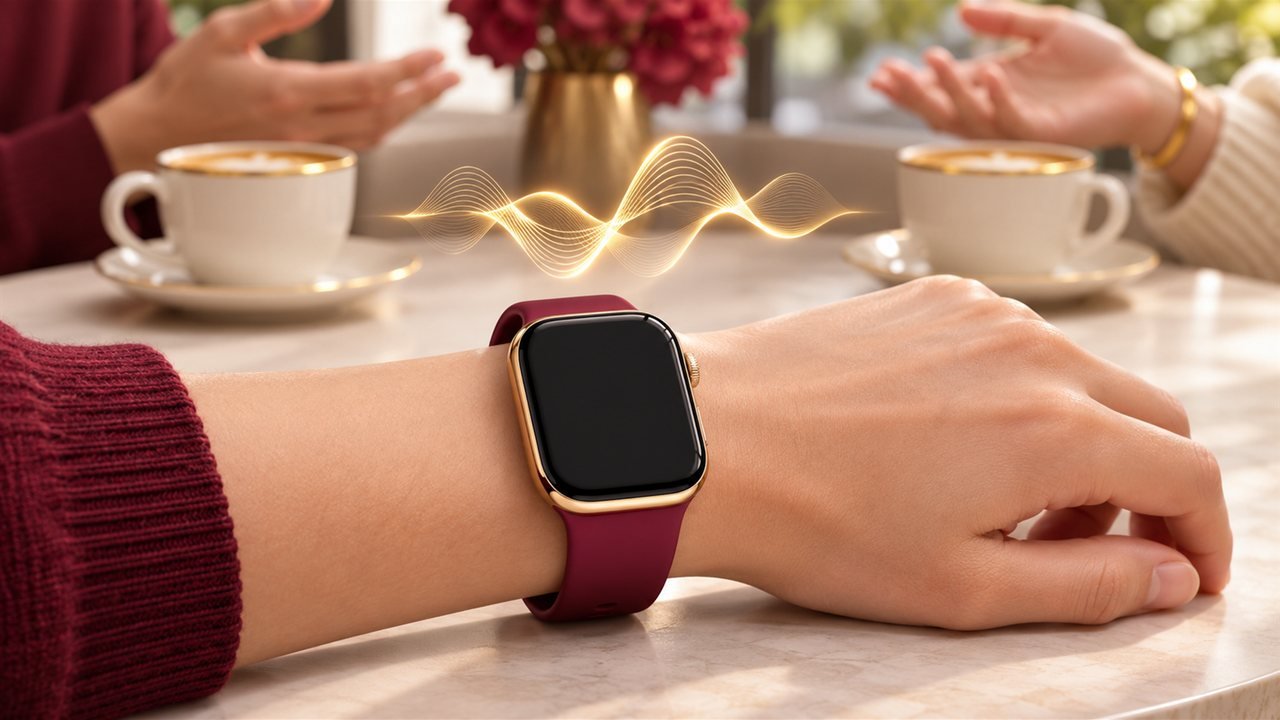
Siri Recaps on Apple Watch can listen to your day and turn conversations into short notes, while Live Rewind shows you the last 15 seconds of speech as text. This post explains how both features work, which watches support them, what Apple does to protect privacy, and the etiquette you need before you wear an always-listening assistant around other people.
What Apple announced and when
Apple announced its Apple Watch Audio Intelligence features in September 2026 and began beta testing them on 2 November 2026, starting with developers in the iOS 27.3 update, TechCrunch reported. A public beta is expected later. The features need an Apple Watch Series 12 or Apple Watch Ultra 4.
There are four opt-in features:
- Sound recognition: alerts deaf and hard-of-hearing users to sounds like sirens, alarms and doorbells.
- Song recognition: identifies background music using Shazam.
- Live Rewind: shows the last 15 seconds of speech as text.
- Siri Recaps: summarizes conversations across your day into key points.
The last two are the ones people are debating.
How Live Rewind works
Live Rewind is for the moment you missed something: a name, an address, a price someone just said. On the watch you see the last 15 seconds of speech as a text snippet. You can tap Ask Siri for an explanation or save the snippet to the Siri app. Snippets you do not save are deleted after 30 seconds.
Use cases that make sense:
- Catching a phone number or booking code someone read out loud.
- Checking a word you did not hear in a noisy cafe.
- Asking Siri to explain a term a doctor or mechanic just used.
How Siri Recaps on Apple Watch work
Siri Recaps produce a short summary and bullet points of key facts from conversations, such as dates, deadlines and prices. According to TechCrunch's beta report:
- Recaps do not identify speakers, do not save raw audio and do not create word-for-word transcripts.
- They do not record while you use noise-cancelling headphones.
- You review recaps at the end of the day and can save them to Notes or Journal. Unsaved recaps are deleted after seven days.
- A reminder appears when you unlock the watch in the morning.
- You can turn Recaps on manually or on a schedule, and switch them off from Control Center.
- Recaps leave out sensitive data such as government IDs, financial and authentication data, certain personal identifiers and self-harm language.
The privacy pipeline
Apple's design splits the work across devices:
- Lightweight models on the watch's S11 chip detect when a conversation involving you is happening.
- Audio goes through a secure enclave to your paired iPhone, where on-device processing condenses it into text without filler words.
- That text is encrypted and sent to Apple's Private Cloud Compute, which returns the recap and deletes its copies immediately.
Apple says only you can access recaps, not Apple, and recaps are encrypted when they sync across your devices. Apple also says the features will not noticeably affect battery life. These are Apple's claims; independent testing will matter once the features ship widely.
Useful: what the hands-on found
TechCrunch's reviewer set Siri Recaps to run all the time and tested it during a car repair drop-off and rental pickup. It captured the details that matter in that situation: the deductible, the repair timeline and the starting fuel level. That is exactly the kind of information people forget or scribble on receipts.
For freelancers and creators, similar wins could include:
- Client calls where you need a list of agreed deadlines.
- Shoot days with many small verbal decisions.
- Workshops or events where you meet many people and topics.
Creepy: why it also felt unsettling
The same reviewer found Recaps mixed in unrelated home conversations, such as errands and babysitting plans, and even trivial details like a plan to watch something on TV. That showed how closely the feature listens, and the reviewer noted it could feel invasive with more personal topics.
The reviewer also asked for better controls: saving unrelated topics as separate notes, swiping to delete individual bullet points, and auto-exporting bookmarked recaps to a Notes folder.
My view as a creator: the feature is useful exactly because it hears everything, and that is also the problem. The people around you did not opt in.
Etiquette for an always-listening watch
If you join the beta or use it later, set rules for yourself:
- Tell people. A simple "my watch takes notes, is that okay?" at the start of a meeting is enough.
- Turn it off in sensitive places: clinics, family discussions, places of worship, confidential client meetings.
- Use a schedule, for example work hours only, instead of all day.
- Review and delete. Do not let a week of recaps pile up.
- Do not share recaps of other people without asking them.
- Check client contracts. Some clients forbid any recording or AI note-taking.
We covered similar rules in our guide to smart glasses privacy etiquette, and they apply here too. For a wider look at the category, see AI memory wearables for freelancers.
Will it work outside the US?
TechCrunch says the update rolled out in the US and other markets after an initial release in India, but it does not list supported languages for Recaps. Separately, Apple's Siri AI currently supports English, French, Japanese, Korean, Portuguese and Spanish, and remains unavailable in the EU on watchOS, according to TheNextWeb's iOS 27.2 coverage. Indonesian is not on that list yet. If you speak Indonesian day to day, expect limited usefulness until Apple adds the language. Our breakdown of Siri AI in iOS 27.2 has the details.
Key takeaways
- Siri Recaps on Apple Watch summarize your conversations into key points, and Live Rewind shows the last 15 seconds of speech.
- Both are in beta with iOS 27.3 and need Apple Watch Series 12 or Ultra 4.
- Apple says recaps skip speaker identity and raw audio, delete unsaved data, and use on-device plus Private Cloud Compute processing.
- The hands-on found them useful for practical details but unsettling for how much they capture.
- Ask before you record, use schedules and delete what you do not need.
FAQ
What are Siri Recaps on Apple Watch?
An Audio Intelligence feature that summarizes conversations from your day into short notes with key facts like dates, deadlines and prices.
Does Siri Recaps save audio recordings?
Apple says it does not save raw audio or create word-for-word transcripts, and unsaved recaps are deleted after seven days.
Which Apple Watch supports Siri Recaps?
Apple Watch Series 12 and Apple Watch Ultra 4, in the iOS 27.3 beta.
Sources
Read next
 NEW
One UI 9.5 Beta: Galaxy S26 Changes and How to Join
One UI 9.5 beta is live for Galaxy S26 in six countries. Every confirmed change in camera, privacy, DeX and storage, how to join, and what Indonesia can expect.
Read more
 NEW
Gemini Intelligence on Pixel 10: Rambler, Widgets and Tasks
Gemini Intelligence on Pixel 10 brings Rambler voice typing, app automations and Create My Widget. What each feature does and where it works.
Read more
 NEW
Siri App Intents in iOS 27.3 Beta: Siri Can Use Any App
Siri App Intents in the iOS 27.3 beta let any developer plug their app into Siri AI. What it means for iPhone users, what to try now and how to prepare.
Read more